

Does the thought of losing critical business data, financial records, or all your irreplaceable family photos make you shudder? What about accidentally deleting a file only to learn it has been permanently deleted…for real? That’s where backups come in. Whether you’re managing a commercial network or safeguarding home assets on your computer, the question remains: is your data actually safe where it lives right now? Let’s break down the pros and cons of cloud backup vs. local backup.
Why Standard Cloud Storage Isn't Enough
Storing your data with Microsoft 365, OneDrive, or Google Workspace is convenient, but it does not protect you from accidental deletions, insider errors, or sophisticated phishing scams.
According to IBM research, it takes businesses an average of 212 days to discover a data incident. Breaches stemming from compromised credentials—which Microsoft notes as the most common threat scenario—take even longer to uncover, averaging 250 days.
Without a dedicated third-party backup system, most businesses and users experiencing a cyber incident or permanent deletion simply cannot recover their lost files.
For regulated industries like law, healthcare, and finance, standard retention windows (often just 14 to 30 days for deleted items) can violate strict data compliance laws.
The Managed Cloud-Backup Advantage with PC Sales and Service
- Data is automatically backed up every 15 minutes.
- Each managed endpoint gets unlimited storage along with unlimited version history at a fixed price.
- Data is encrypted both in transit and at rest and once backed up it is immutable, it can't be changed or held for ransom.
- Managed service means we handle the entire backup process, including setup, monitoring, and maintenance.

What is Cloud Backup?
Think of cloud backup as renting a digital safe-deposit box in the sky. Your data is stored on remote servers, accessible from anywhere, 24/7, with an internet connection. It's like having your own personal storage container stored with a trusted friend whose place has security like Fort Knox.
What is Local Backup?
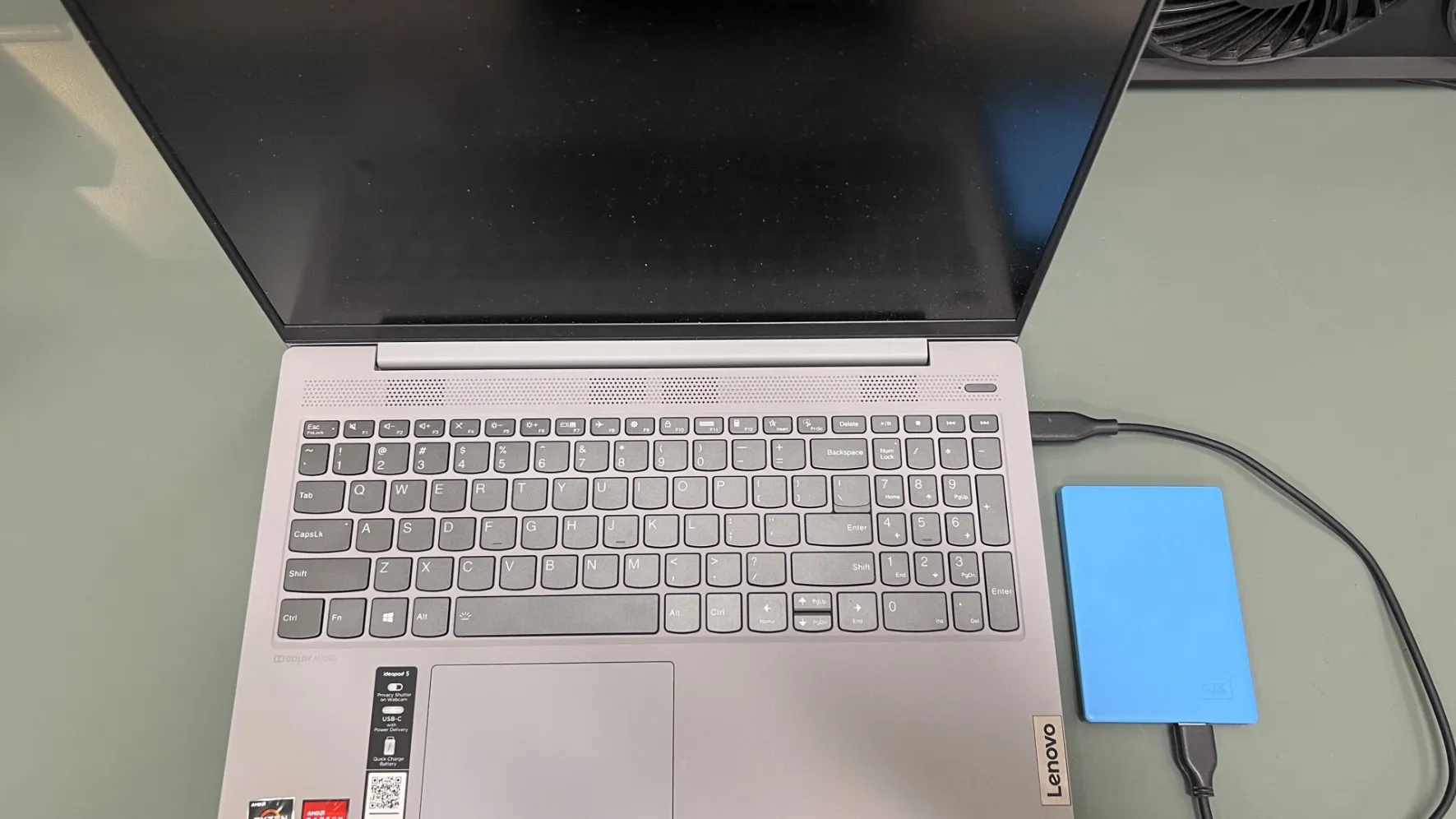
Your data is stored on a physical device, such as an external hard drive or a network-attached storage (NAS) device. Local backup is like having a personal safe in your home. It can be relied upon in case of unexpected circumstances or emergencies.
What are the benefits of Cloud Backup?
- Accessibility: Access your data from anywhere, anytime.
- Convenience: Automatic backups can be scheduled to run in the background, so you don't have to remember to do it manually.
- Scalability: Cloud backup services can easily scale to accommodate your growing data storage needs.
What are the drawbacks of Cloud Backup?
- Internet Dependency: You need a stable internet connection to access your data.
- Privacy Concerns: Some people worry about the privacy of their data stored in the cloud, but with military grade data encryption and security protocols there is little to be concerned about.
- Cost: Cloud backup services often come with a monthly or annual subscription fee
What are the benefits of Local Backup?
- Control: You have complete control over your data and where it's stored.
- Speed: Accessing your data is generally faster with local backup. Files can be restored in a matter of minutes.
- Cost Effective: No recurring fees. Local backups can be more cost-effective in the long run, especially for small amounts of data.
What are the drawbacks of Local Backup?
- Maintenance: You manage and maintain your backups. Scheduling software is helpful, but you are ultimately responsible to make sure it’s happening.
- Risk of Loss: Physical devices can be lost, stolen, or damaged and generally not protected against ransomware if connected to the computer at the time of attack.
- Limited Accessability:You can't access your data from anywhere unless you have the physical device with you.
Which is Right for You?
The best backup solution for you depends on your specific needs and preferences. The most important thing is to have a backup plan in place to protect your digital life giving you peace of mind that your data is protected. Don’t let doubts and concerns get in the way. You have friendly, data protection experts at your fingertips who will clear up any questions and advise a backup solution tailored for your needs, often times costing far less than expected. Call us today!